Export Claude chat history to files you can read
To export a Claude chat, go to Settings > Privacy on the Claude web app or Claude Desktop and select Export data. A download link arrives by email. Then drop that zip here, tick the chats you want and save them as Markdown, PDF, Word, HTML or an Obsidian vault.
By The Chatsheaf team (Product and testing). Last updated .
ZIP, JSON, TXT or MD. The zip is opened on your device; photos in it are never uploaded.
How to export a Claude chat, step by step
- Sign in to Claude on the web or in Claude Desktop (the iOS and Android apps have no export).
- Open Settings, then Privacy, and select Export data.
- Wait for the email, then download the zip while you are signed in. The link works for 24 hours.
- Drop the zip into the box above and tick the conversations you want to keep.
- Choose a format, for example Markdown, and download your files.
The first 3 runs each day are free. After that, see the pricing page for packs and plans, or read how we test the tool.
Export Claude chat tested with a real input
First, we ran our own sample export through this exact tool. The sample follows the real export layout, with chats we wrote ourselves. So the numbers below come straight from that run.
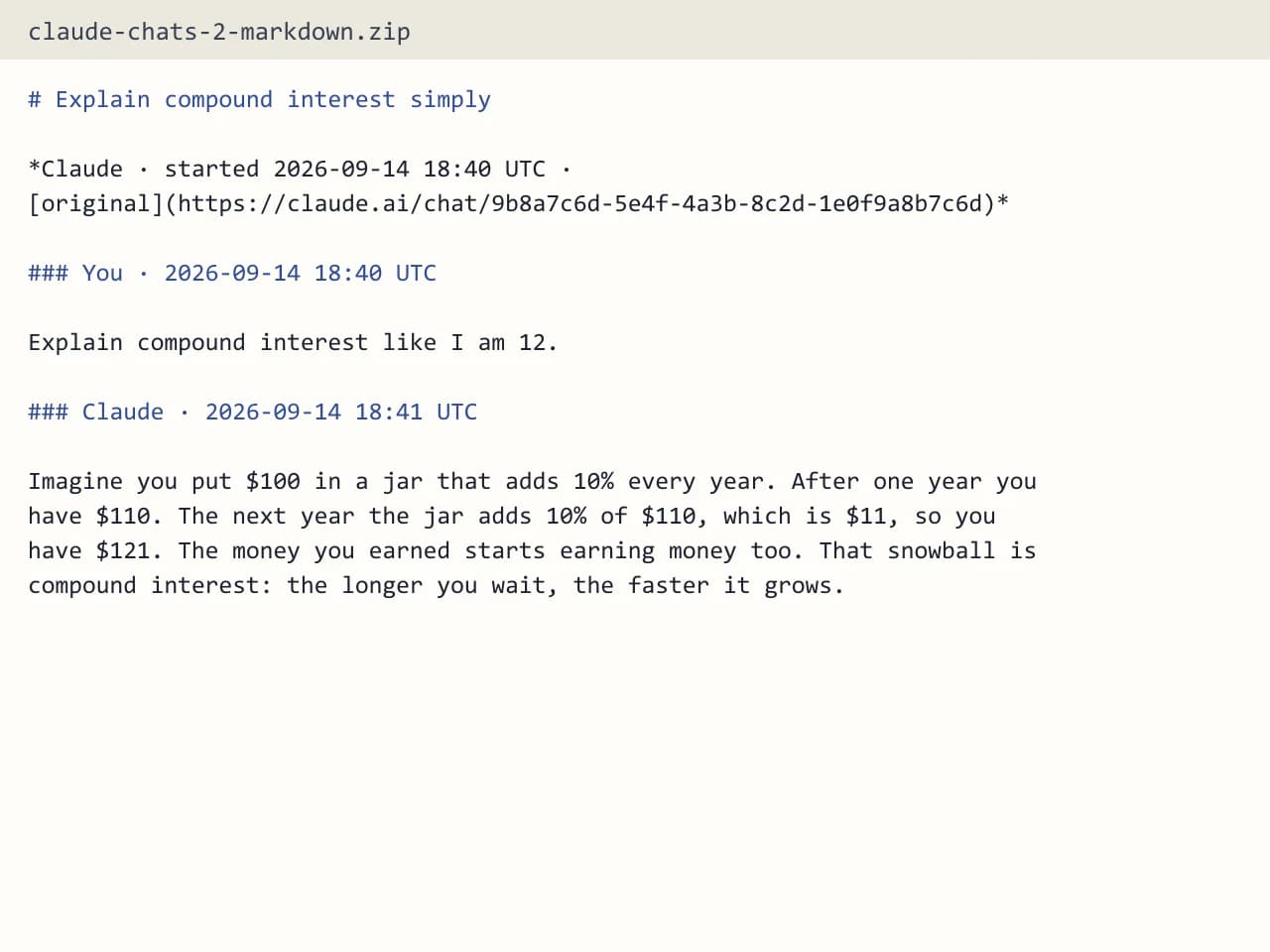
- Test input
- claude-conversations.json
- Output
- claude-chats-2-markdown.zip (Markdown (.md))
- Conversations
- 2
- Messages
- 6
- Output size
- 1 KB
- Processing time
- 0.0 s
How we test: the sample files hold ChatGPT and Claude chats with tables, code and lists, and we open every output by hand. More on the about page.
Where Claude keeps the export button
Claude has no export button inside a single chat. Instead, the export lives in your account settings and covers everything at once. Free, Pro and Max users find it under Settings > Privacy, on the web app or in Claude Desktop. The phone apps cannot request it, so switch to a computer first.
After you ask for it, Claude emails you a download link. You have to be signed in to use that link, and it expires 24 hours after delivery. If you miss the window, simply request a new export.
What is inside the Claude export zip
The zip holds conversations.json with each chat and its messages, plus users.json and projects.json. That is useful data, but it is not easy to read. A long chat turns into one dense block of quotes and brackets, and you cannot print it or drop it into a notes app as it is.
So the export is only half the job. The other half is turning that file into something you can open, search and share.
Export Claude chat files in the format you need
Our exporter opens the zip in your browser and reads only conversations.json. You then see every chat with its title, date and message count. Search the titles, tick the ones you need, and only those go to the server as a small JSON file.
Markdown gives you one .md file per chat, and several chats arrive as a .zip. PDF puts all of them in one file, with each chat on a new page and a bookmark for it. Word builds one .docx with a heading per message. The Obsidian vault files each chat under AI Chats/Claude/ by year, and the HTML page works offline in light or dark mode.
Every message keeps its order and its UTC timestamp. Code blocks, tables and lists keep their shape too.
Team and Enterprise accounts
On Team and Enterprise plans, members can export their own chats only after an Owner turns on "Allow members to export their own data". If you cannot find the option, ask your Owner first. Also note that this export does not include the contents of uploaded files.
Our tool follows the same line. It names Claude attachments, but it does not include what was inside them.
When this exporter is not the right choice
If you want to move chats into another personal Claude account, an export will not help, because Claude cannot import that data. We cannot change that either. Likewise, if you need images or the full text of files you uploaded, keep the original zip, since our output skips them. Finally, this is a one-time export, not a sync, so new chats need a fresh export later.
Claude export at a glance
| Question | Answer |
|---|---|
| Where to request it | Settings > Privacy, Export data |
| Apps that can export | Web app and Claude Desktop |
| Apps that cannot | iOS and Android |
| How it arrives | Email with a download link |
| Link lifetime | 24 hours after delivery |
| Files in the zip | conversations.json, users.json, projects.json |
Export Claude chat FAQ
Can I export a single Claude chat?
Claude only exports your whole account at once. However, our tool lets you pick one chat from that export and save just that one, for example as Markdown or PDF.
How long does the Claude export link last?
It expires 24 hours after delivery. If it runs out before you download the zip, go back to Settings > Privacy and request a new one.
Can I export a Claude chat from the iPhone app?
No. Export data is not available in the iOS or Android app. Use the web app or Claude Desktop instead, then open the zip here on the same computer.
Why can't I see Export data on my Team plan?
Members on Team and Enterprise need an Owner to turn on "Allow members to export their own data" first. Until then, the option stays hidden for you.
Is it free to export a Claude chat with this tool?
You get a few free exports each day with no account. A free run holds the 10 newest chats you select, and paid credits cover everything you pick.
Do you store my Claude conversations?
No. The server reads the chats you picked in memory, builds the file and forgets it. We only keep a log row with the format, the count and the time.