ChatGPT Export Data, File by File
ChatGPT export data is a zip that OpenAI emails you after you select Export under Settings, Data controls. It holds conversations.json with every chat, a long chat.html page, user data files and your images. To read it comfortably, open the zip here and turn the chats into an HTML page or other files.
By The Chatsheaf team (Product and testing). Last updated .
ZIP, JSON, TXT or MD. The zip is opened on your device; photos in it are never uploaded.
How to open your ChatGPT export data, step by step
- Request the export: Settings, Data controls, Export, then Confirm export.
- Download the zip from the email or SMS within 24 hours of receiving it.
- Drop the whole zip on this page, without unzipping it first.
- Review the list of chats, with title, date and message count for each one.
- Tick the chats you want, keep HTML page or pick another format, and download.
The first 3 runs each day are free. After that, see the pricing page for packs and plans, or read how we test the tool.
ChatGPT export data tested with a real input
First, we ran our own sample export through this exact tool. The sample follows the real export layout, with chats we wrote ourselves. So the numbers below come straight from that run.
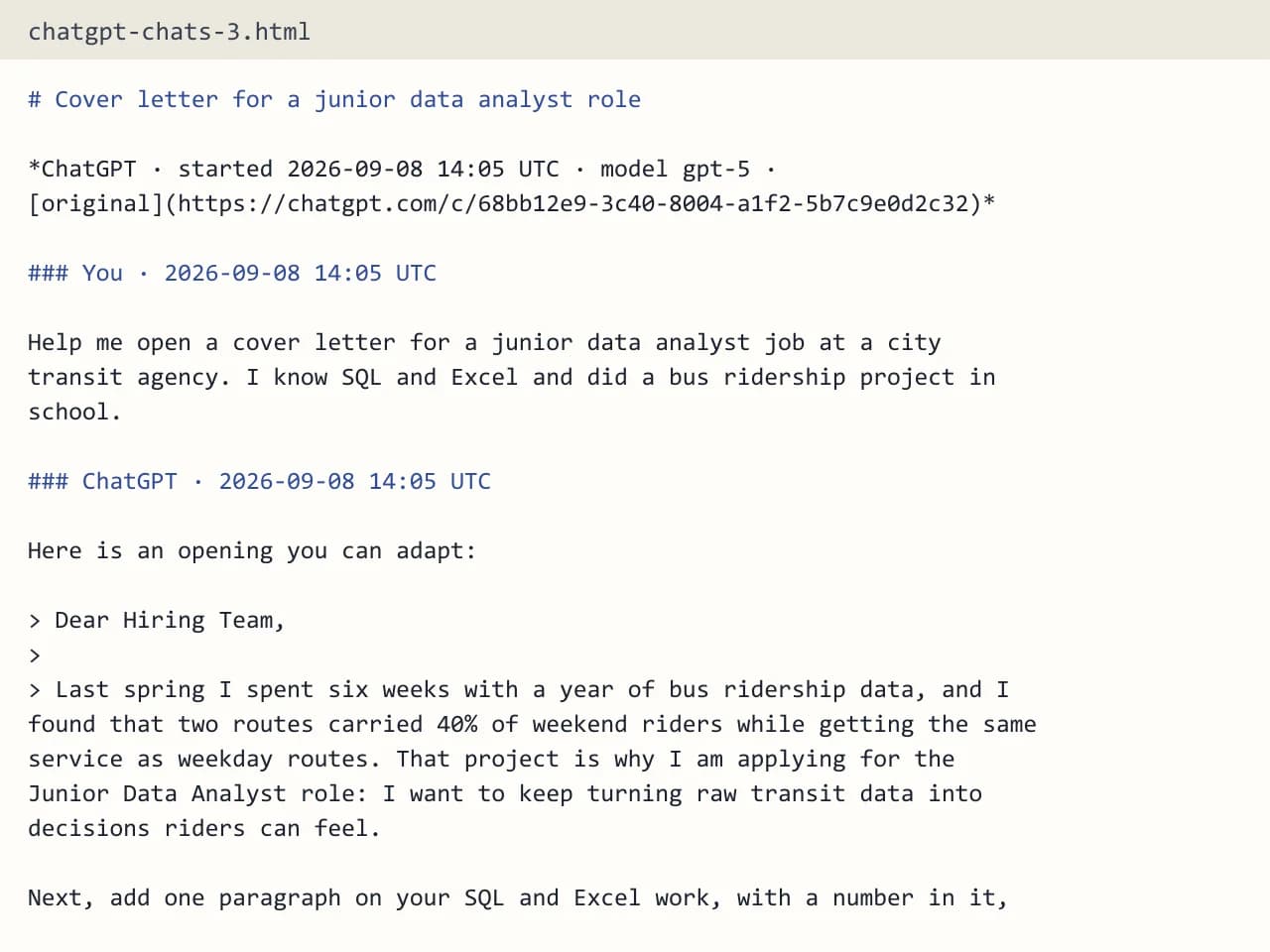
- Test input
- chatgpt-conversations.json
- Output
- chatgpt-chats-3.html (HTML page)
- Conversations
- 3
- Messages
- 8
- Output size
- 7 KB
- Processing time
- 0.0 s
How we test: the sample files hold ChatGPT and Claude chats with tables, code and lists, and we open every output by hand. More on the about page.
Who can request ChatGPT export data
The export is open to Free, Go, Plus and Pro accounts, as well as eligible Edu accounts. You need to be signed in, because it does not work while logged out. On the other hand, Business, Enterprise and ChatGPT for Healthcare workspaces cannot export this way, so members there should ask the workspace owner.
Once you confirm, OpenAI prepares the archive in the background. It sends an email or SMS when the file is ready, which can take up to 7 days. Then the download link expires 24 hours after you receive it, and you must be signed in to the same account to use it.
What each file in the ChatGPT export data zip does
The most important file is conversations.json. It lists all your chats, and each one is stored as a tree of messages rather than a simple list. That tree is why edits and regenerated answers can show up as separate branches. With a long history, ChatGPT may split it into several files such as conversations-000.json.
Next to it sits chat.html, one long page that shows the chats in a browser. You also get user data files about your account, plus the images you created or uploaded. In short, the zip is a full copy of your account data, but only the JSON part holds the actual conversations.
Reading the data without writing code
Opening conversations.json in a text editor shows a wall of brackets and IDs. So most people give up at this point, or they try chat.html and find it too slow with thousands of chats.
Our exporter reads the JSON for you. The zip opens in your browser, and only the conversation files are read, while photos, audio and other files stay on your machine. Then you see a clean list to search and tick. For instance, you could pick last year's chats and save them as one HTML page with a table of contents.
What the converted files keep and drop
Every chat keeps your messages and the answers in order, timestamps per message in UTC, the title, the model name when present, and a link back to the chat. Also, code blocks, tables, lists and headings stay intact, while citation markers like 【4†source】 are stripped out.
Images become "[Image]" placeholders, and hidden system messages, tool calls and model reasoning are not carried over. So keep the original zip, because it is the only copy of your pictures and canvas documents.
When this exporter is not the right choice
If you need the user data files or the image folder, simply unzip the archive yourself, since our tool ignores them. It is also no help with chats you already deleted, because the export cannot restore them. In addition, Gemini, Grok, Copilot and DeepSeek exports are not supported.
ChatGPT export data: files in the zip
| File | What it holds |
|---|---|
| conversations.json | All chats, each as a tree of messages |
| conversations-000.json and up | The same data, split when the history is large |
| chat.html | One long page with every chat |
| User data files | Details about your account |
| Image files | Pictures you created or uploaded |
ChatGPT export data FAQ
How long does ChatGPT export data take?
OpenAI says an export can take up to 7 days to arrive. You get an email or SMS when it is ready.
Why did my ChatGPT data export link stop working?
The link expires 24 hours after you receive it. Request a new export in Data controls and download it sooner.
Which file has my chats in the ChatGPT export?
Your chats live in conversations.json, or in split files named conversations-000.json and so on. Our tool reads all of them.
Can I put my ChatGPT export data into Obsidian?
Yes. Choose Obsidian vault, and you get a .zip with folders by year, YAML frontmatter on each note, and an index note that links every chat by month.
Is my export data stored on your server?
No. The server builds your file in memory and forgets it. Only a log row with format, count and time remains.
Can I get my ChatGPT export data on a Business plan?
Business and Enterprise members cannot self-export under OpenAI's rules. The workspace owner is the person to ask.