Export ChatGPT to Claude with Markdown files
To export ChatGPT to Claude, download your ChatGPT data, drop the zip here and save the chats you need as Markdown. Claude has no import for ChatGPT exports, so you add those .md files to a Claude Project as knowledge. Claude can then read your old chats while you work.
By The Chatsheaf team (Product and testing). Last updated .
ZIP, JSON, TXT or MD. The zip is opened on your device; photos in it are never uploaded.
How to export ChatGPT to Claude, step by step
- In ChatGPT, open Settings, Data controls, and under Export data select Export, then Confirm export.
- Download the zip from the email or SMS link within 24 hours, signed in to the same account.
- Drop the zip into the box above and tick the chats that matter for your work in Claude.
- Choose Markdown (.md) and download the files.
- In Claude, open or create a Project and add the .md files to its knowledge.
The first 3 runs each day are free. After that, see the pricing page for packs and plans, or read how we test the tool.
Export ChatGPT to Claude tested with a real input
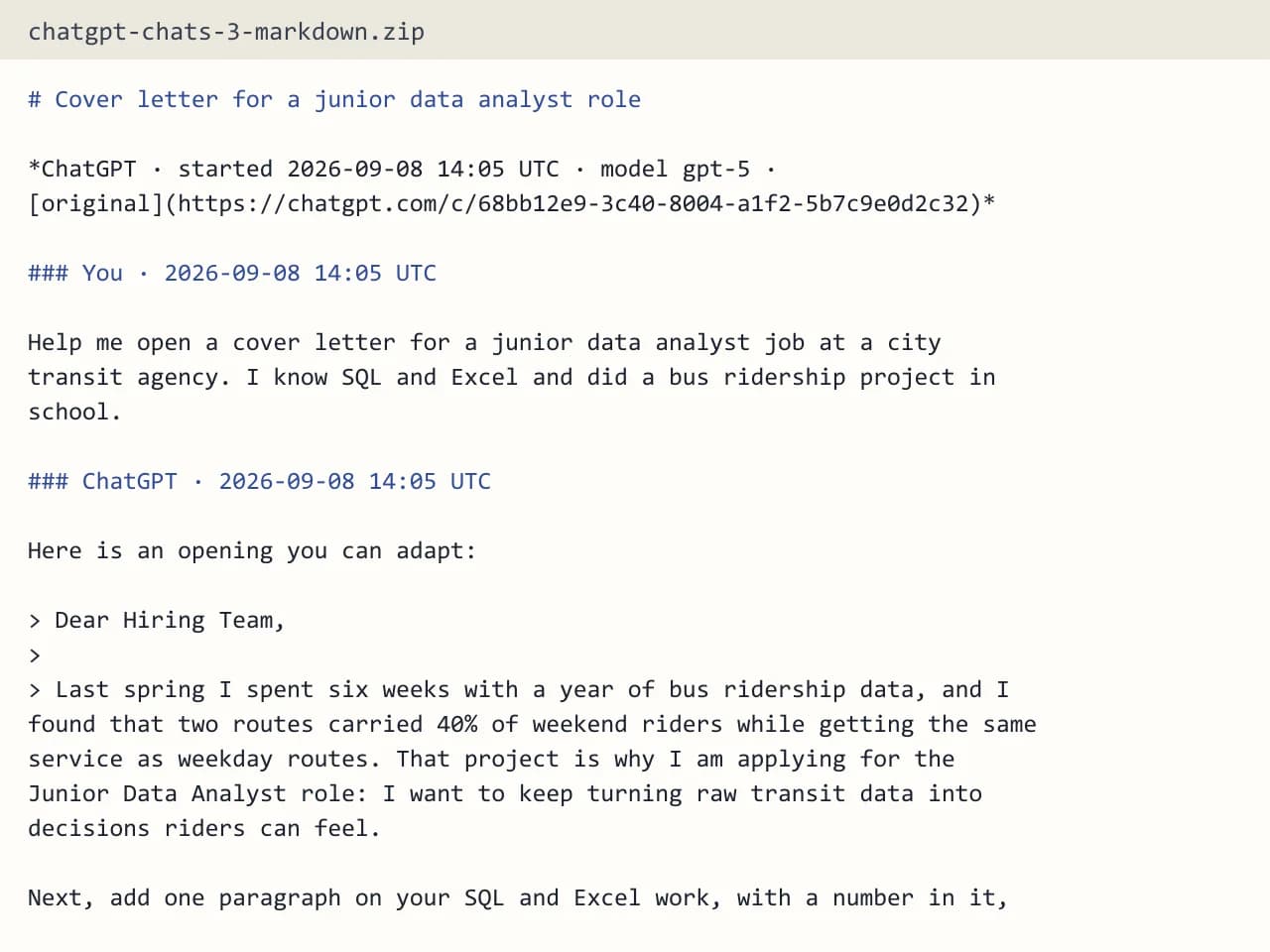
First, we ran our own sample export through this exact tool. The sample follows the real export layout, with chats we wrote ourselves. So the numbers below come straight from that run.
- Test input
- chatgpt-conversations.json
- Output
- chatgpt-chats-3-markdown.zip (Markdown (.md))
- Conversations
- 3
- Messages
- 8
- Output size
- 2 KB
- Processing time
- 0.0 s
How we test: the sample files hold ChatGPT and Claude chats with tables, code and lists, and we open every output by hand. More on the about page.
Claude cannot import a ChatGPT export directly
Many people switch tools and expect an import button. Claude does not offer one for ChatGPT data. If you upload the raw zip, you mostly hand Claude a huge conversations.json full of IDs and message trees, which wastes space and reads poorly.
So the better route is to convert first. Clean Markdown files hold only the visible chat, which means less noise and more of the context you actually care about.
How to export ChatGPT to Claude without the noise
Our exporter opens the ChatGPT zip in your browser and reads only the conversations files. Photos, audio and other files stay on your computer. You see every chat with its title, date and message count, so you can search and pick the useful ones instead of moving years of small talk.
Each picked chat becomes one .md file. It follows the branch your chat window showed, so edited or abandoned versions stay out. Citation markers like 【4†source】 disappear as well. Code blocks, tables and lists keep their shape, and every message keeps its UTC timestamp.
Pick chats with a goal in mind
Think about what Claude should know. For example, a writer might export the chats where a style guide took shape. A developer might pick the threads about one codebase, while a student might gather the chats for one course. Small, focused sets work better than everything at once, because each Project then stays on topic.
Then give each Project its own set of files. That way, Claude reads your marketing notes in one place and your coding history in another.
Before you export: ChatGPT rules to know
ChatGPT export works for Free, Go, Plus, Pro and eligible Edu accounts. It does not work for Business, Enterprise or ChatGPT for Healthcare workspaces, so ask your workspace owner there. The file can take up to 7 days to arrive, and the link expires 24 hours after you get it. Also, an export cannot bring back chats you already deleted.
When this exporter is not the right choice
If you want Claude to pick up new ChatGPT chats on its own, this will not do it, since the tool makes a one-time export rather than a sync. Images you created in ChatGPT and canvas documents also stay in the original zip. Finally, if you use a ChatGPT share link, we cannot read it, so paste the chat text into the Paste tab instead.
Moving ChatGPT chats into Claude
| Step or limit | Detail |
|---|---|
| Direct import into Claude | Not available |
| File to add to a Project | Markdown (.md), one per chat |
| ChatGPT export arrives | Up to 7 days, link valid 24 hours |
| Branches kept | Only the visible one |
| Selected chats per upload | Up to 25 MB |
| Workspaces that cannot export | Business, Enterprise, ChatGPT for Healthcare |
Export ChatGPT to Claude FAQ
Can I import my ChatGPT history into Claude?
Not directly, because Claude has no import for ChatGPT exports. Instead, convert the chats to Markdown here and add the files to a Claude Project as knowledge.
What is the best format to export ChatGPT to Claude?
Markdown works well. It is plain text with headings and code blocks, so Claude reads it easily and it takes far less space than the raw JSON.
Should I upload the whole ChatGPT zip to Claude?
We would not. The raw conversations.json holds every branch and lots of IDs. Pick the chats you need and convert them first, so Claude gets clean text.
Will Claude see my old ChatGPT chats on its own?
No. Claude only works with the files you give it. Add the Markdown files to a Claude Project as knowledge, then start your chats inside that Project.
Can I export ChatGPT to Claude from a Business workspace?
Business and Enterprise workspaces cannot self-export, which is OpenAI's rule. Ask your workspace owner, or paste single chats into the Paste tab.
Is it free to convert my ChatGPT chats?
You get a few free exports each day without an account. A free run holds the 10 newest chats you select, and credits cover larger sets.