ChatGPT Export Data Not Working: What to Check
When ChatGPT export data is not working, the cause is usually timing or the account type. Exports can take up to 7 days, the link expires 24 hours after it arrives, and Business or Enterprise workspaces cannot self-export. Check spam and SMS, request a fresh export, and open huge zips with this exporter.
By The Chatsheaf team (Product and testing). Last updated .
ZIP, JSON, TXT or MD. The zip is opened on your device; photos in it are never uploaded.
How to fix a ChatGPT export that is not working, step by step
- Confirm you are signed in at chatgpt.com, since the export does not work while logged out.
- Check your inbox, the spam folder and your SMS messages for the export notice.
- If the link is older than 24 hours, request a new export in Settings, Data controls.
- Open the download link while signed in to the same account that asked for it.
- Drop the finished zip on this page if conversations.json is too big to open.
The first 3 runs each day are free. After that, see the pricing page for packs and plans, or read how we test the tool.
ChatGPT export not working tested with a real input
First, we ran our own sample export through this exact tool. The sample follows the real export layout, with chats we wrote ourselves. So the numbers below come straight from that run.
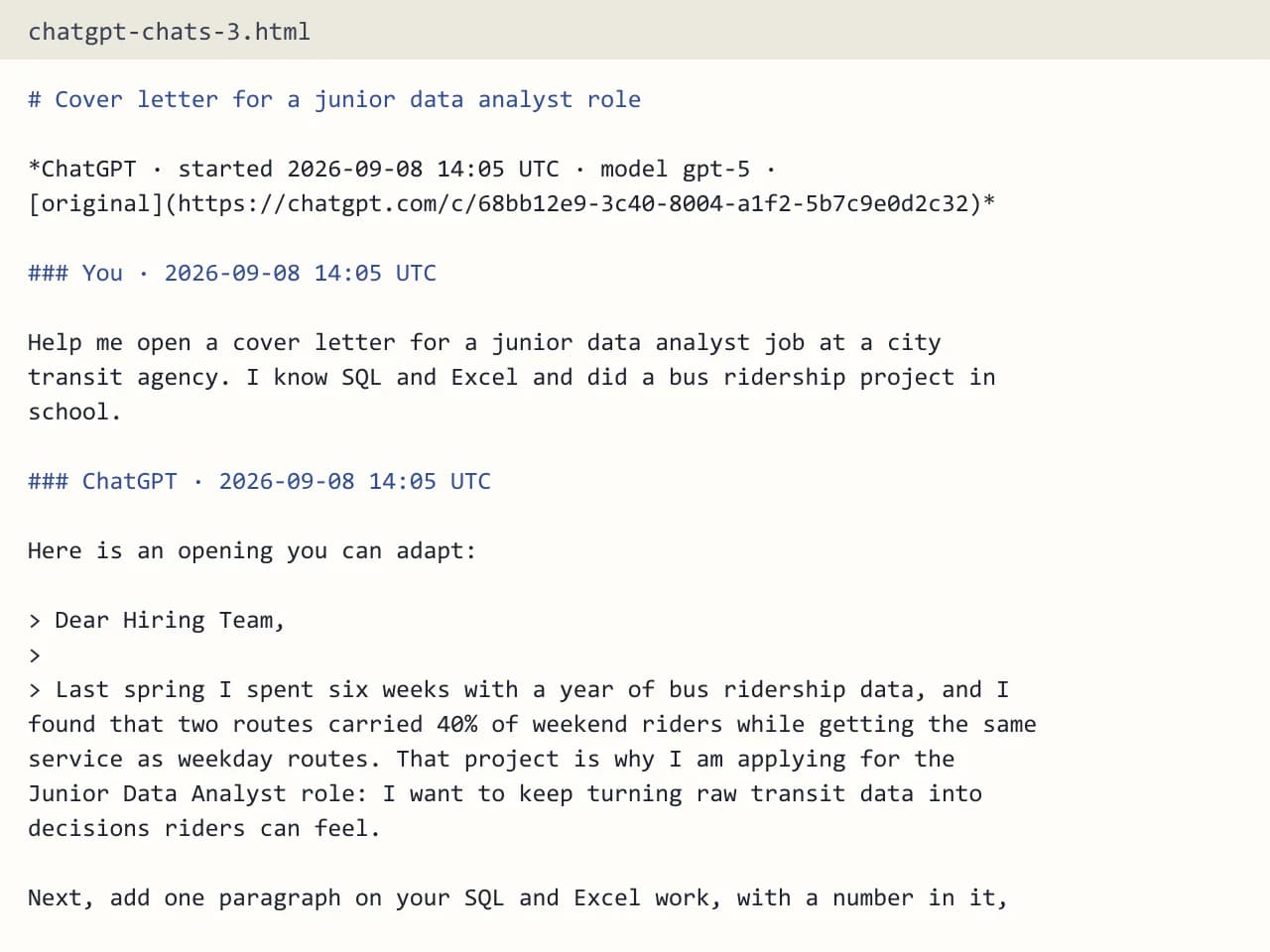
- Test input
- chatgpt-conversations.json
- Output
- chatgpt-chats-3.html (HTML page)
- Conversations
- 3
- Messages
- 8
- Output size
- 7 KB
- Processing time
- 0.0 s
How we test: the sample files hold ChatGPT and Claude chats with tables, code and lists, and we open every output by hand. More on the about page.
ChatGPT export not working? Start with the missing email
This is the most common complaint, and often nothing is broken. According to OpenAI, exports can take up to 7 days to arrive. So if you asked yesterday, the archive may simply still be in the queue.
While you wait, check the places the notice can land. First, look in your spam or junk folder. Next, check your text messages, because ChatGPT can send the alert by SMS instead of email. Also, confirm you are watching the inbox that belongs to the ChatGPT account you used.
ChatGPT export data not working because the link expired
The download link only lasts 24 hours after you receive it. After that, clicking it fails, even though the email still looks fine. In that case, there is no way to revive the old link.
Instead, go back to Settings, then Data controls, and request a new export. When the next notice arrives, download the zip the same day. Also, make sure you are signed in to the same account, since the download requires it.
Your account cannot export at all
Sometimes the Export button is missing or does nothing. One reason is the account type. Business, Enterprise and ChatGPT for Healthcare workspaces cannot self-export, which is OpenAI's rule, so only the workspace owner can help there.
Another reason is being logged out, because the export works only for signed-in users. It is available for Free, Go, Plus, Pro and eligible Edu accounts. In addition, remember that an export cannot bring back chats you deleted earlier, so missing old chats are not a bug in the zip.
The zip opens, but it is huge or hard to read
A long history can produce a large archive, partly because it also holds the images you created or uploaded. Inside, conversations.json may be too big for a text editor, and chat.html can be painfully slow to scroll. With a big account, ChatGPT may also split the chats into files like conversations-000.json.
This is where our exporter helps. It opens the zip in your browser and reads only the conversation files, all of them, while photos and audio stay on your computer. Then you get a searchable list of chats. Tick what you need, and since only those chats are sent, the full zip can be bigger than the 25 MB upload limit.
When this exporter is not the right choice
Our tool cannot fix a missing email or an expired link, because those problems sit on OpenAI's side. It also cannot read exports from Gemini, Grok, Copilot or DeepSeek. Still, once a ChatGPT or Claude zip is on your computer, it can turn even a very large history into readable files.
ChatGPT export data not working: causes and fixes
| Symptom | What to do |
|---|---|
| No email after a day or two | Wait, since exports can take up to 7 days; check spam and SMS |
| Link fails when clicked | It expired after 24 hours; request a new export |
| Download asks you to sign in | Sign in to the same account that requested it |
| No Export option on a work account | Business and Enterprise cannot self-export; ask the workspace owner |
| Old chats missing from the zip | Deleted chats cannot be restored by an export |
| conversations.json will not open | Drop the zip here to read it as a list of chats |
ChatGPT export not working FAQ
Why is my ChatGPT data export taking so long?
OpenAI says exports can take up to 7 days. So give it the full week, and check spam and SMS, before you request again.
Why does my ChatGPT export link say it expired?
The link only works for 24 hours after you receive it. Request a new export and download it the same day.
Can I export ChatGPT data from a Team or Enterprise account?
Business and Enterprise workspaces cannot self-export. The workspace owner is the only one who can help.
Why can't I open conversations.json?
The file can be too large for a normal editor. Our exporter reads it in the browser and shows each chat by title, date and message count.
My ChatGPT export is missing some chats. Why?
Chats you deleted before the export cannot be restored. Everything still in your account at the time of the request should be in the zip.
Does a ChatGPT share link work instead of the export?
Not here. Share links are not supported, so open the chat, copy its text and paste it into the box.