This ChatGPT exporter turns the zip from your ChatGPT or Claude data export into files you can read. First, drop the zip. Then tick the chats you want and pick PDF, Word, Markdown, HTML or an Obsidian vault. Also, the zip opens on your device, so photos in it never leave your computer.
By The Chatsheaf team (Product and testing). Last updated .
ZIP, JSON, TXT or MD. The zip is opened on your device; photos in it are never uploaded.
How the ChatGPT exporter works
First, ask ChatGPT or Claude for a data export in Settings and download the zip from the email.
Then drop the zip here. After that, the list shows every conversation with its date and length.
Next, search the titles and tick the chats you want, or simply keep all of them.
Finally, pick a format and press Export to download your file.
The export email gives you one zip. However, inside it, conversations.json holds every chat as a tree of messages, which is hard to read by hand. So your browser opens the zip, reads only that file and shows the chats as a list.
Then, when you press Export, only the chats you ticked go to our server as a small file. After that, the server builds your PDF, Word file or Markdown in memory, sends it back and forgets it. As a result, an archive of a few hundred chats takes seconds, and your photos and voice notes stay in the zip on your computer.
The ChatGPT exporter, before and after
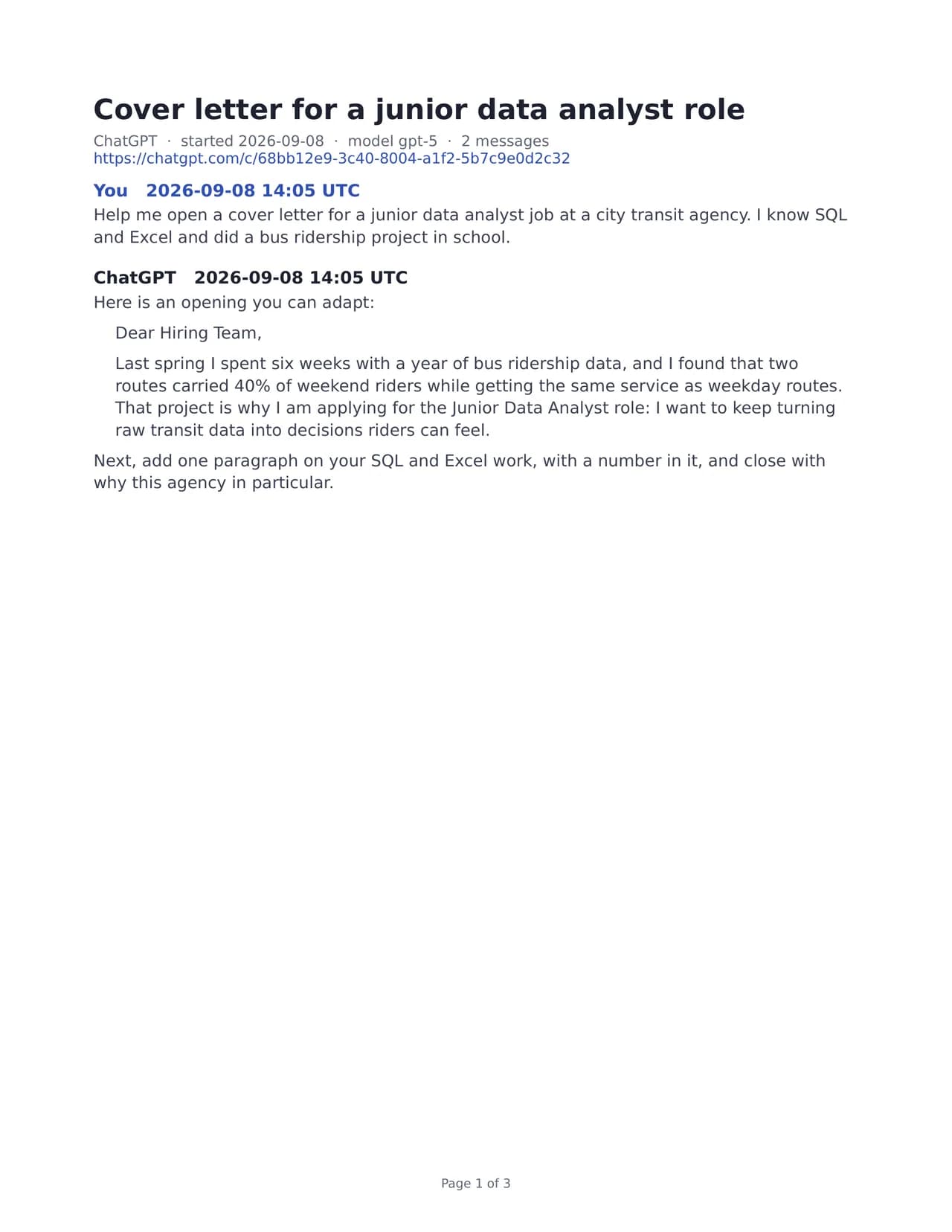
First, on the left is the raw conversations.json from a ChatGPT export, exactly as a text editor shows it. Then, on the right, you see page one of the PDF the exporter built from that same file. So drag the seam and compare them for yourself.
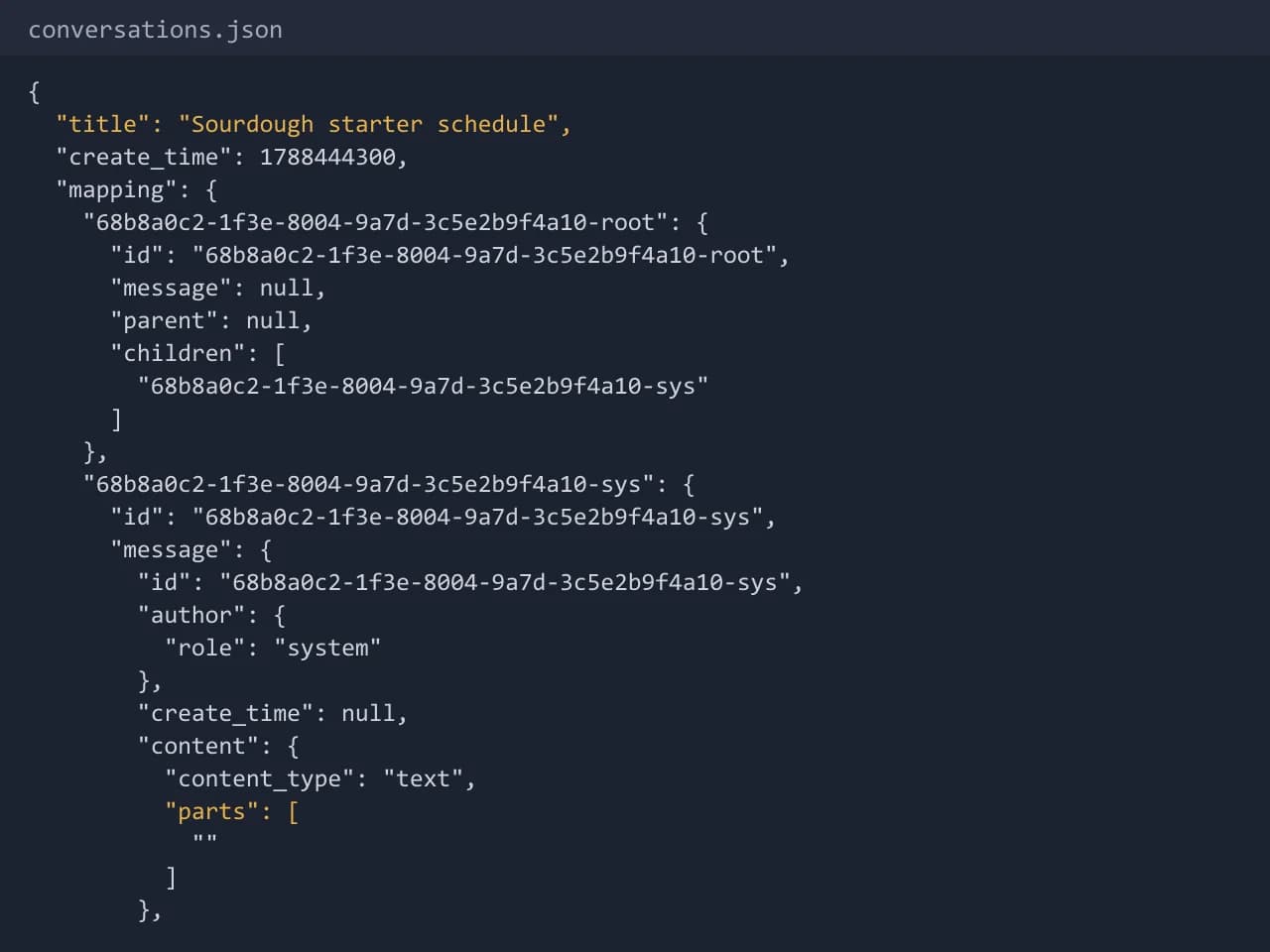

A real run of our sample export: the same chat as raw JSON and as page one of the PDF. Drag the seam to compare.
What the ChatGPT exporter makes from one export
Every file below comes from the same sample export. These are real outputs, not mockups, so scroll and see what lands on your disk.
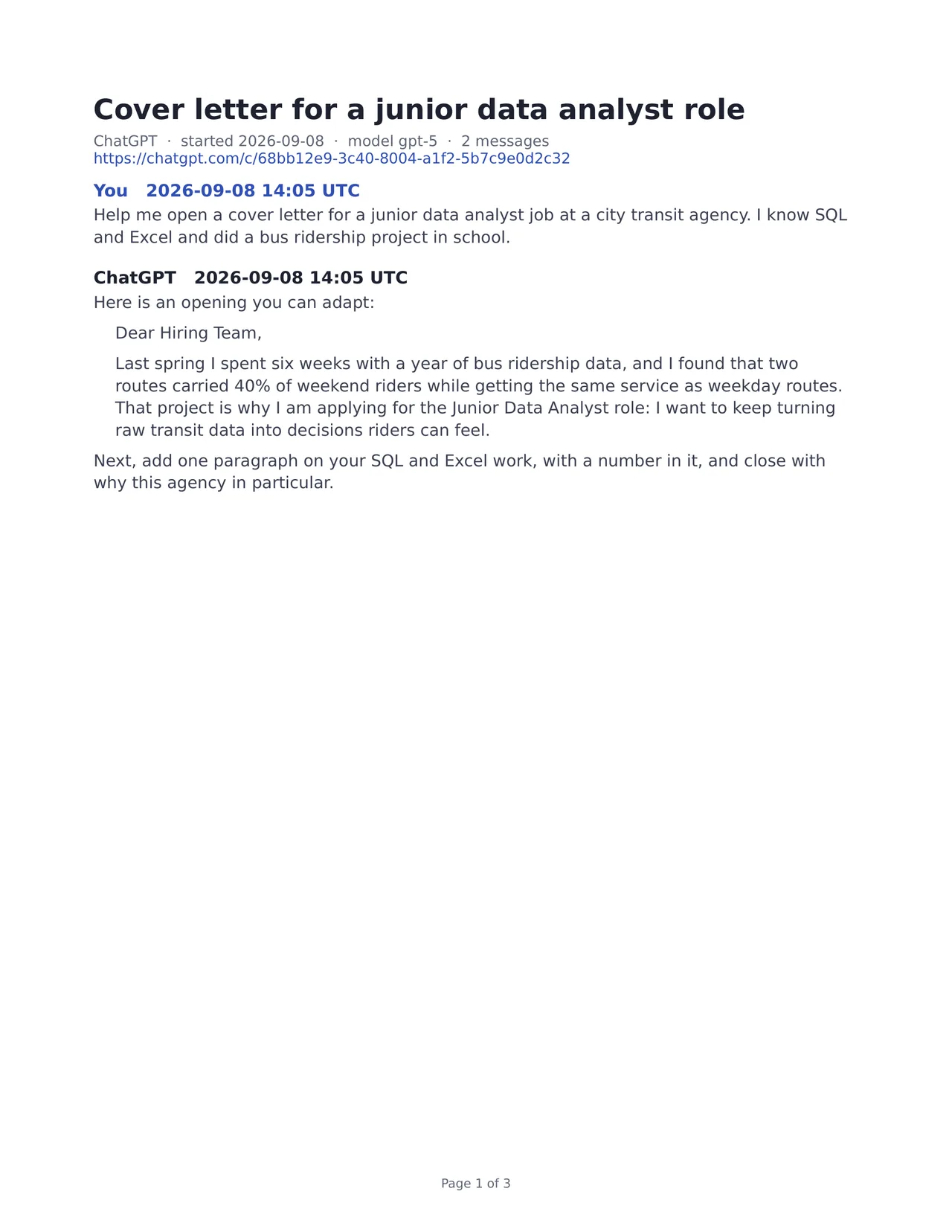

01PDF
A print-ready PDF, one bookmark per chat
Every chat starts on a new page, with page numbers and a bookmark in the sidebar. Also, code blocks and tables stay readable, so you can send the file to a client or keep it with the project.
Learn more about A print-ready PDF, one bookmark per chat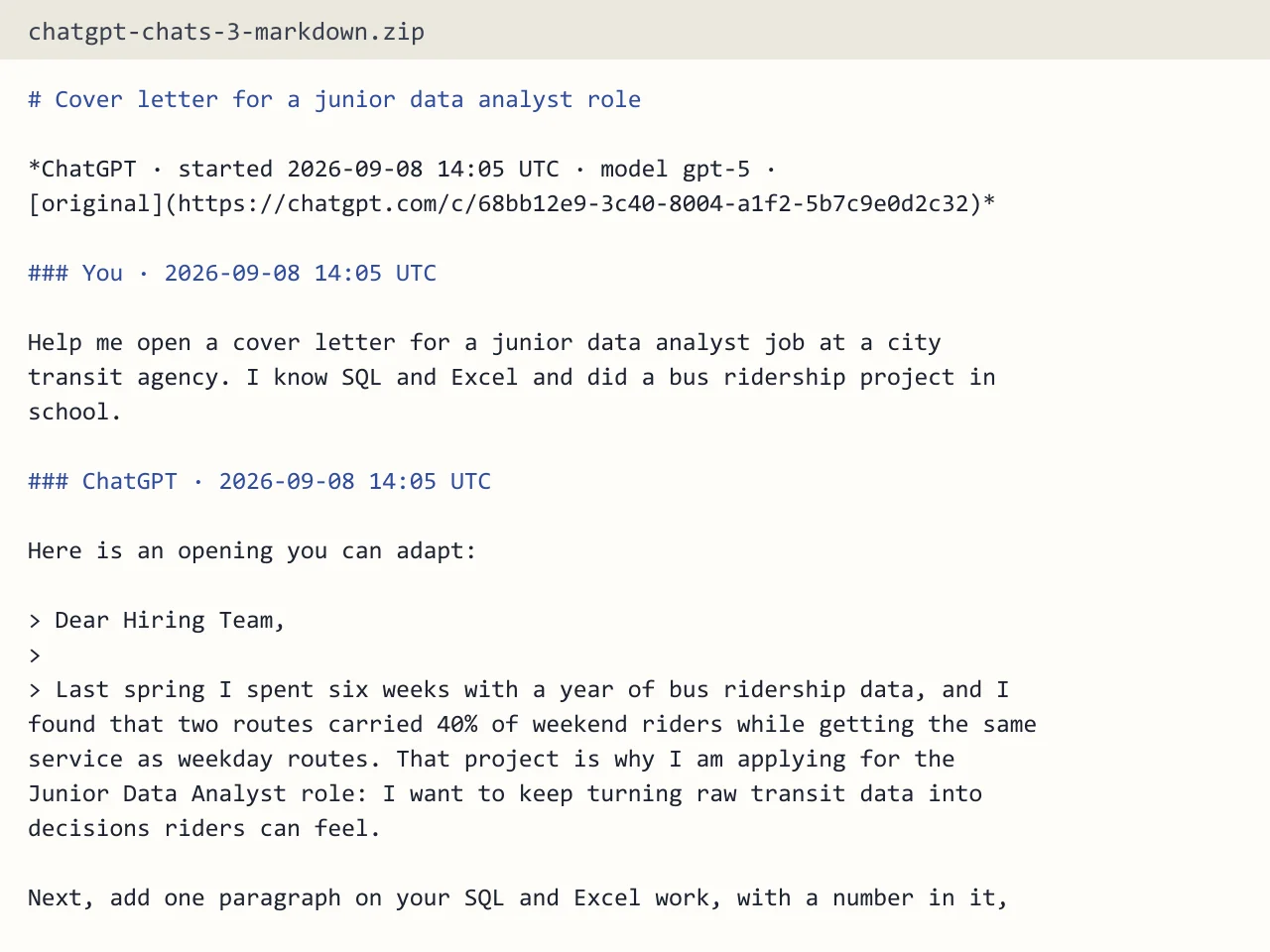

02Markdown
Clean Markdown from the ChatGPT exporter
Headings, lists, tables and fenced code come out as plain .md files. So you can drop them into GitHub, Notion or your notes without fixing a single line.
Learn more about Clean Markdown from the ChatGPT exporter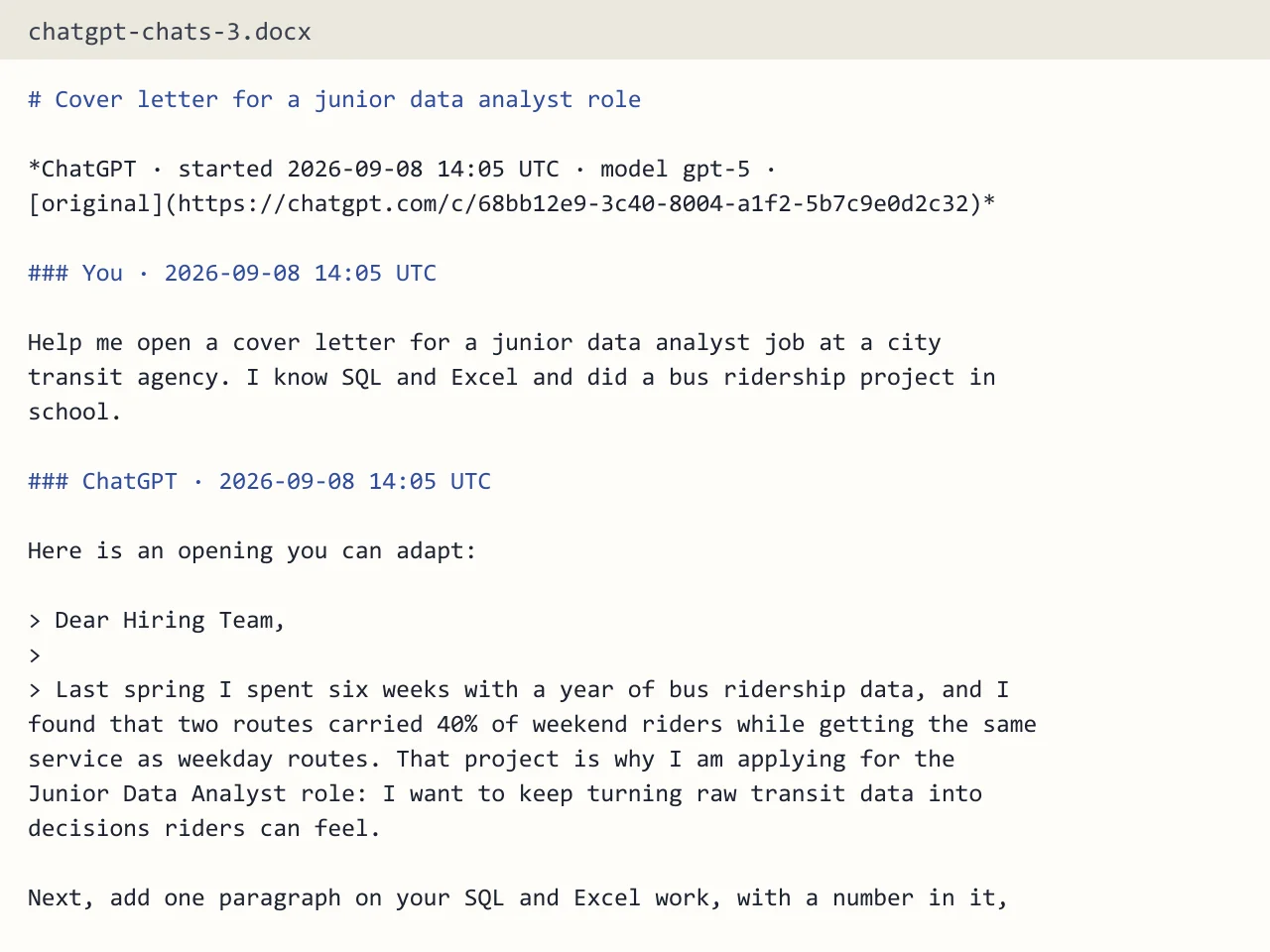

03Word
An editable Word document
Every message gets its own heading, so the navigation pane in Word lists the whole chat. Then you can edit, comment and share it like any other .docx file.
Learn more about An editable Word document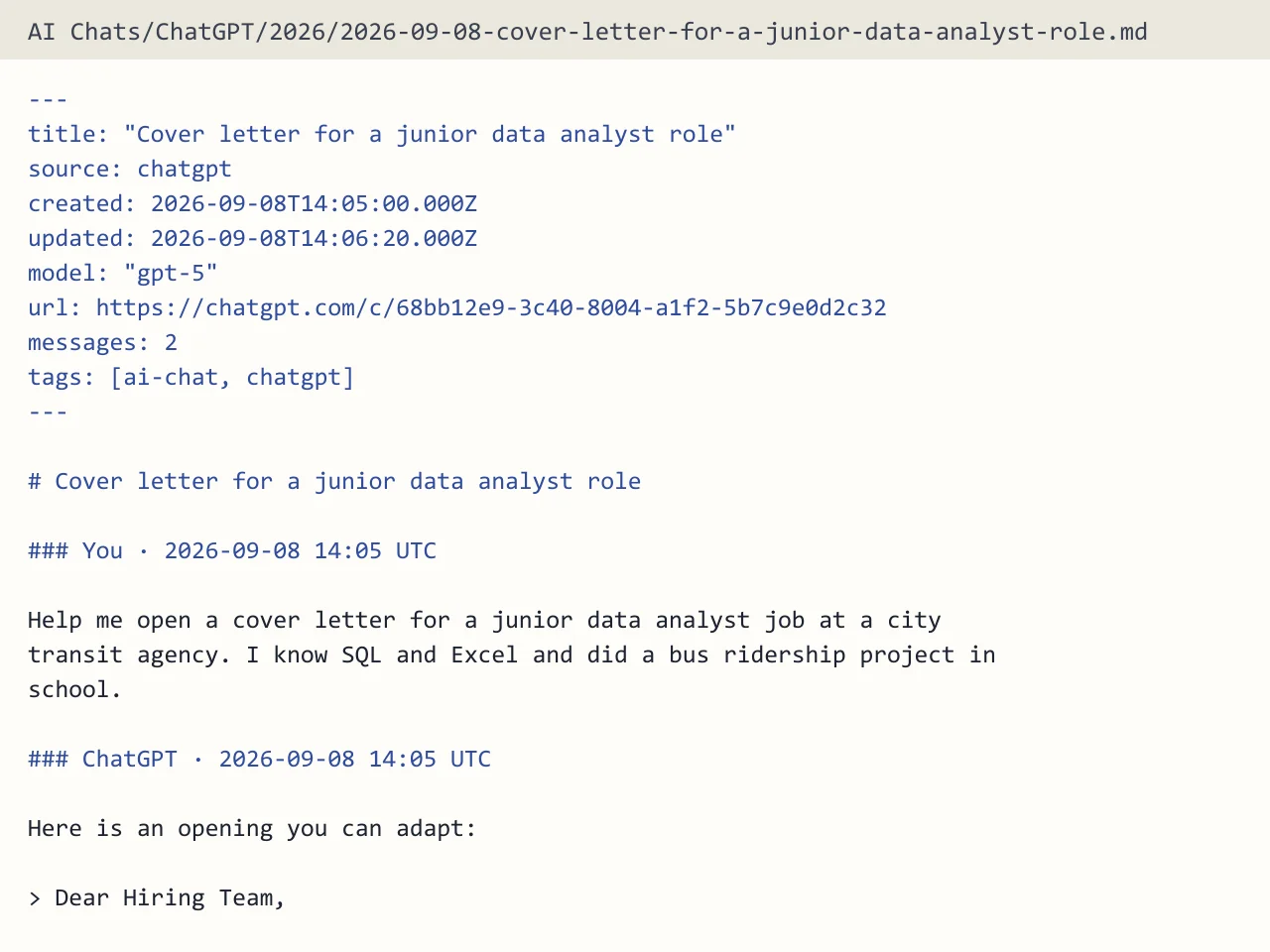

04Obsidian vault
A vault that Obsidian opens as is
You get one note per chat, with properties for source, date, model and link. In addition, an index note links every chat by month, so the graph view works from the first import.
Learn more about A vault that Obsidian opens as is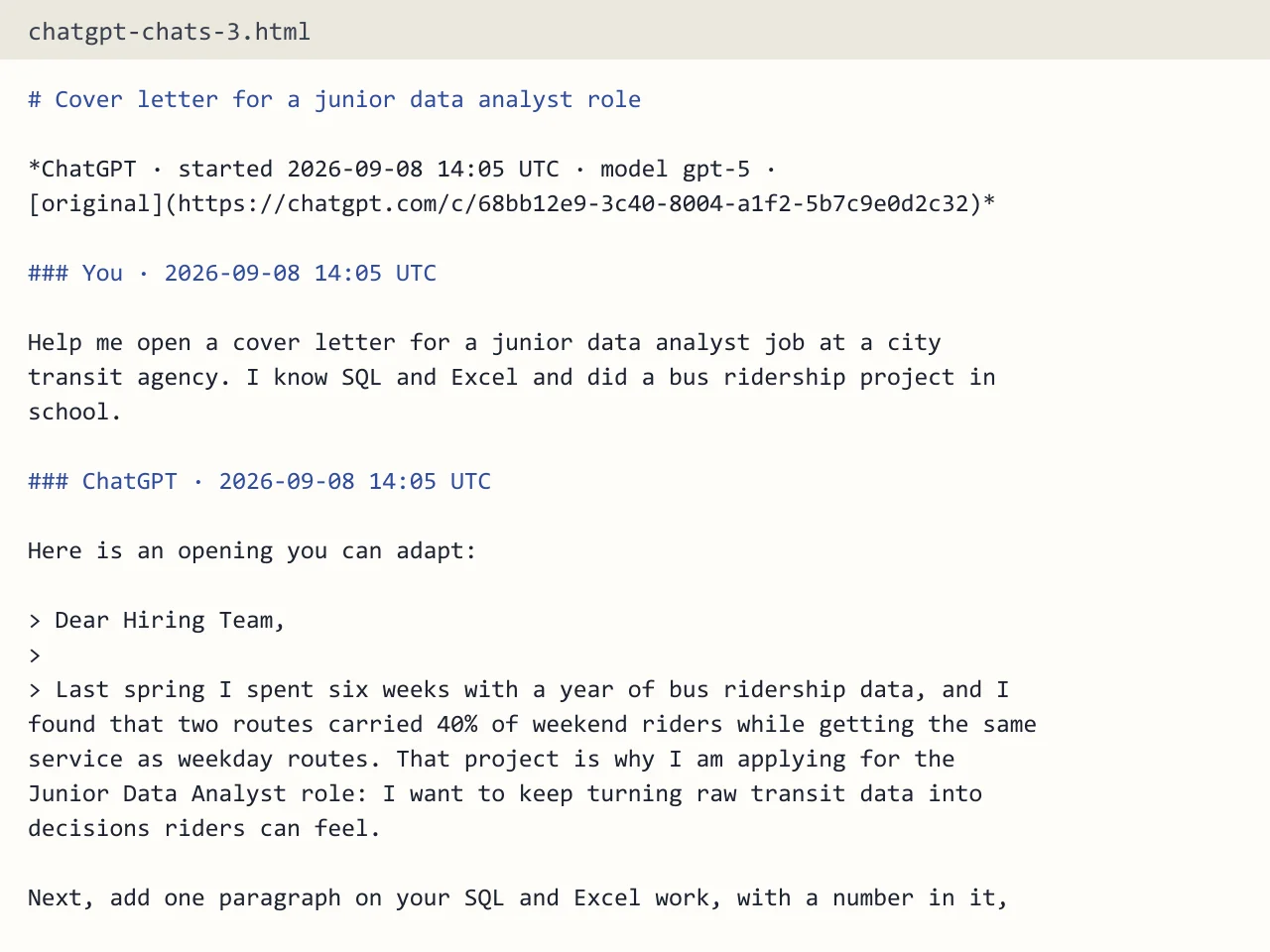

05HTML page
One HTML page that works offline
A single file holds a table of contents, light and dark mode, and every chat. As a result, it opens in any browser with no account and no network.
Learn more about One HTML page that works offline
Take every chat with you
First, drop your export. Then pick the chats and a format, and download the file in seconds.
ChatGPT exporter tested with a real input
First, we ran our own sample export through this exact tool. The sample follows the real export layout, with chats we wrote ourselves. So the numbers below come straight from that run.
- Test input
- chatgpt-conversations.json
- Output
- chatgpt-chats-3.pdf (PDF)
- Conversations
- 3
- Messages
- 8
- Output size
- 38 KB
- Processing time
- 0.1 s
How we test: the sample files hold ChatGPT and Claude chats with tables, code and lists, and we open every output by hand. More on the about page.
The zip opens on your device. Photos never leave it.
Read in your browser
First, your browser opens the export zip and reads only conversations.json, so images and voice notes stay on your computer.
Only what you tick
Then only the chats you select reach our server, as a small file. Everything else in the export stays with you.
Built in memory
Finally, the server builds your file in memory and forgets the chats. We keep a short log line, never the text.
Guides for every ChatGPT exporter task
For example, each guide covers one job in detail, from the first export email to a vault in Obsidian, so start with the task you have today.
Pricing
A few exports each day are free and hold your ten newest chats. However, a full archive needs one credit, and a credit exports every chat you select. See the pricing page for details.
Free use gives you the full tool with a daily limit, so you can test it on your own input first.
Start free- Every chat you select
- No free-tier footer
- Credits never expire
- About $0.24 per export
- Monthly backups of your history
- Priority support
- Cancel anytime
- Every chat you select
- Priority support
- For teams and heavy users
- Every format
- Everything in Backup
ChatGPT exporter FAQ
What does this ChatGPT exporter do?
It reads the zip from a ChatGPT or Claude data export and turns the chats you pick into PDF, Word, Markdown, HTML, plain text or an Obsidian vault.
Do I need a browser extension?
No. You use the official export from ChatGPT or Claude settings, then upload the zip on this page. Nothing gets installed and nothing reads your account.
Is it free?
Yes, a few exports each day are free and need no account. A free export holds your ten newest selected chats. One credit exports everything you select.
Do you keep my chats?
No. The zip opens in your browser, and only the chats you tick reach our server. The server builds the file in memory and forgets the chats right after.
Does it work with Claude?
Yes. Claude has its own export in Settings, under Privacy. Its zip also holds a conversations.json, and the exporter reads it the same way.
What does the exporter leave out?
Images show up as a short [Image] note, and uploaded files are named but not copied. Hidden system messages, tool calls and model reasoning are left out too.